



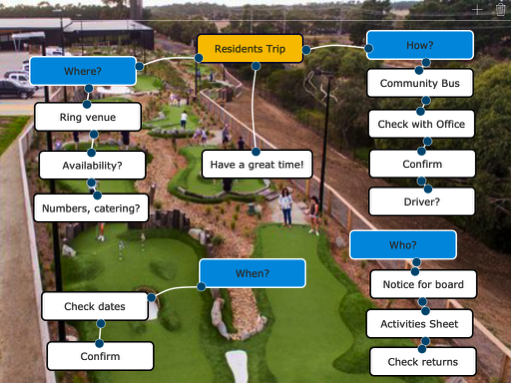
Click / tap below for a blank MindMap...
The MindMap will open in a new browser window. Before you close it, you may like to either take a screen shot of it, or print it, as after it is closed you can't get it back. When finished with it, close the window to go back to more puzzles.
How to make a MindMap...
Why use a mindmap?
Have an idea that you would like to explore, or something that you have to plan? A mindmap might help you see it clearer.


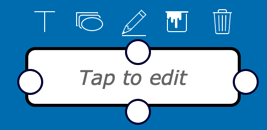
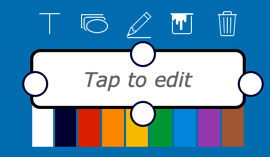
When it starts up you see this.
In the top right corner - the + to add another box, and the bin to clear and start again.
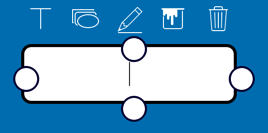
Tap or click in the box to start typing.
You can also tap / click on the T to start typing.
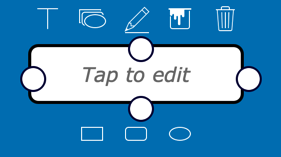
These let you change colors.
With this you can change the shape of your box.






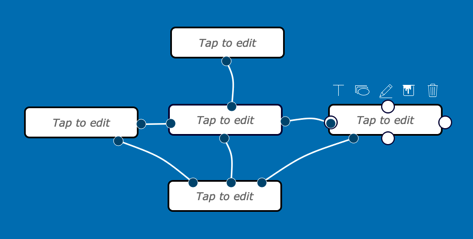
You can join the boxes by tap/click on the white circle and move it into box you want to join with. Once joined you can move each box to the position you want it to be in.
